
Know what your organization is sharing. Before it becomes a problem.
SharedLinks365 gives Microsoft 365 administrators a clear view of sharing links across SharePoint and OneDrive, prioritizing what deserves attention first.
Built for IT teams, Microsoft 365 administrators, and MSPs. Currently in development. Developed and operated by AGORA TECH S.r.l.
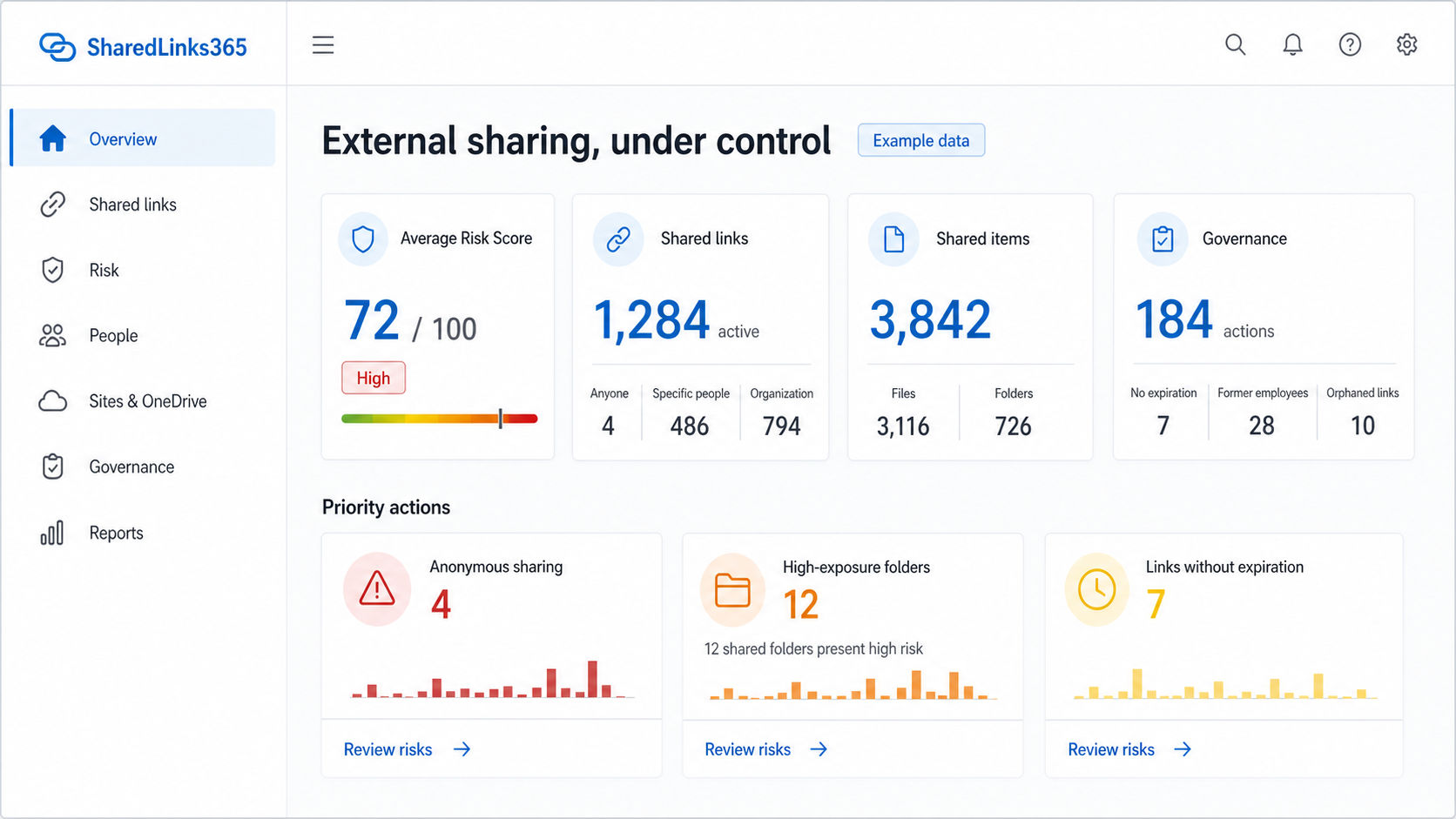
Sharing is easy. Keeping control isn’t.
Microsoft 365 helps people collaborate quickly. Over time, Anyone links remain active, guests retain access, folders keep changing, and links without expiration accumulate across SharePoint and OneDrive. Administrators are left reconstructing risk across separate sites and tools.
Start with the tenant-wide external-sharing review workflow or browse the Microsoft 365 sharing governance guides.
Understand what deserves attention first.
Discover
Build a centralized inventory of observed sharing links across SharePoint Online and OneDrive for Business.
Prioritize
Use transparent, rule-based risk scoring to surface the configurations most likely to require review.
Act
Review sharing details and move progressively toward controlled remediation where Microsoft capabilities allow it.
Thousands of links are not a priority list.
SharedLinks365 converts technical observations into a 0–100 score with visible contributing factors. The model is rule-based, transparent, versioned, and designed to support human review—not replace it.
Explore risk scoring →- Anyone links
- No expiration
- External recipients
- Folder exposure
A shared folder can change long after the link is created.
Folders may expose more items than a single-file share and can continue to receive new content. SharedLinks365 highlights high-impact shared folders while making clear that item count alone does not determine data sensitivity.
See product capabilities →What happens to sharing links when an employee leaves?
Identify sharing associated with deleted or disabled creators, stale ownership, and OneDrive scenarios that deserve review—without turning SharedLinks365 into a generic offboarding suite.
Designed with multi-tenant workflows in mind.
SharedLinks365 is being designed to help MSPs review external-sharing posture across customer tenants while preserving clear tenant boundaries, coverage status, and delegated scope.
Explore SharedLinks365 for MSPsHelp shape focused Microsoft 365 sharing governance.
Join the early-access list for product updates, pilot opportunities, and practical guidance for SharePoint and OneDrive administrators.
Get Early Access